At the start of this year I started working on a new texture tool called Retro FIT, a fast and intuitive texture editor for retro games.
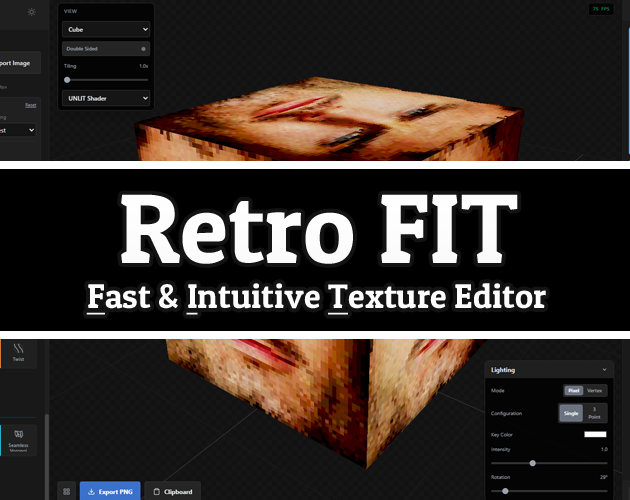
I wanted to create a non-destructive tool that simplifies the creation of textures, but also encouraged experimentation, that could provide results good enough to be used as finals or as a base.
I’ve had this idea for years, from working on various projects and encountering very specific little problems where it’s always been like “That’s cool, if I expanded on that idea I could do more with it!” but never did.
But this year I decided to finally try to make it real, and get it out there. Seeing if I can consolidate those ideas and experiences into a useful tool that others can use. And since coding AI assistance is becoming pretty normal in tooling (for indies and industry), I thought, “fuck it!” Let’s see what I can do with it, and with what I know.
I know there’s a lot of contention about AI usage in various fields at the moment. But as a person who does way more things than they should, using it to learn more about the work I’m already doing, just helps get to the “making” a little sooner. It’s like greasing and tuning an engine to go faster, but you still need to have the skills to drive sensibly to a destination.
I wanted to keep the tool simple, give enough room to try whatever you wanted, without losing too much time. The focus has been on the “Fast and Intuitive”, using that as a philosophy to help iterate on the tools UI and the demands of projects I’m working on with it.
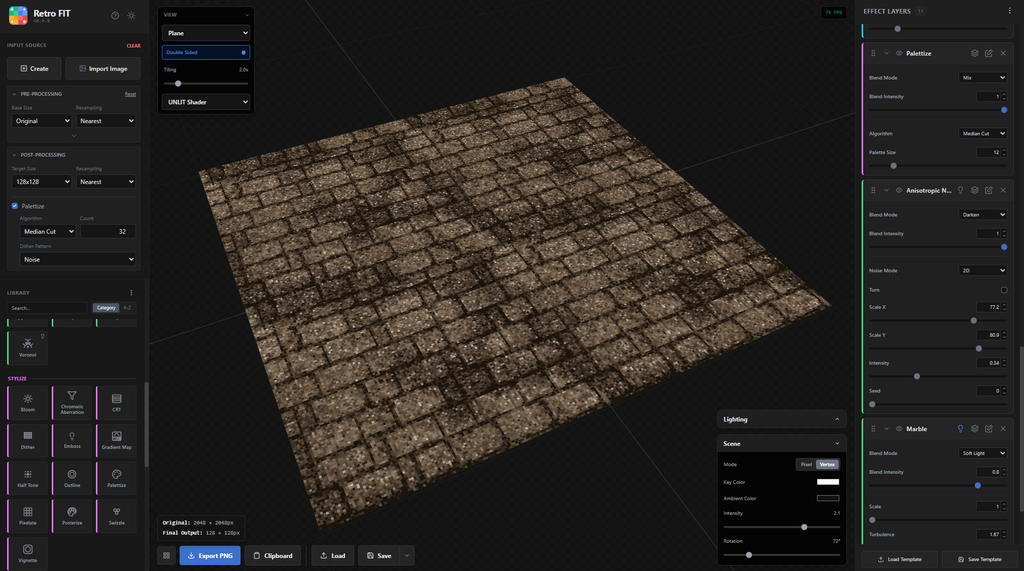
Another focus was on development moods to help simplify working with it at different levels of creative friction. You can get into a mood, or mode, where doing anything else can be frustrating especially when you’ve done like 5 different things in one day, but you know you need to get that one more thing done.
Maybe you can relate to these?
- “I’m looking for something” – you’re actively looking for something different, but it’s only a vague idea in your head, so you duct tape it all together, mess around with things you shouldn’t, until you discover something you like and want to repeat.
- “Just use THAT” – you know what you want, you don’t want to use any more brain power than you should, and just make a few adjustments to something you already have, to spit out something new-ish.
- “Keep it simple” – you don’t want to open everything, and you just want to sit down and focus on one thing for an hour or two.
- “At least start it” – you don’t have any brain power left, but you want to at least start it, knowing that you’ll come back to it tomorrow.
- “I can’t be fucked today” – decorum goes out the window, nothing is placed in, everything is thrown in and shaken about until you see something you like, you kick it out the door and save the regrets for later.
Taking as much friction out of the creative process is important, and creating tools that do that in a balanced approach is essential. You don’t want to make it so easy that the work basically doesn’t exist anymore (because you ultimately introduce different problems later), but you also don’t want to make it so difficult that you want to throw your computer out a window.
I feel like a lot of modern tools can add more friction in places then they remove. There can also be a huge skill ceiling especially for some of the best tools available for game developers. The ask always feels like mastering a song on the piano before you even know how to play.
There is a lot of resistance, especially since some of these tools are designed to solve the “BIGGER” and broader problems. Couple that with a price tag (or a protection fee, a.k.a. a subscription), and you create a lot of unnecessary questions to what is usually just “I want to make a thing.”
The opposite can also happen with more readily available tools, where the demands of your work begin to exceed the bounds of what the tool was made for. So you make do with what you have when you sense there has to be better way to do it, but no time to do anything about it.
Sometimes in situations like this you even end up with like 10 other little tools to solve a problem, resulting in a blatant disregard to file management and self preservation.
I’m not saying these tools are bad, they are great at what they do. But they solve a different set of problems at different entry points. Where the former isn’t accessible to (or for) everyone especially because the initial entry point is on a mountain of piano concertos. And the latter can feel a lot like an elevator that opens to a flight of stairs.
But rant aside…
I’m hoping I’m at least trying to solve both those problems. Creating tools that are fast and easy to learn, but powerful long enough that when you really do need more power, the other tools and the investment of time becomes meaningful and with purpose.
It still has a few things to improve, but it’s at a point that I’m happy with it and would love to see it used in other projects.
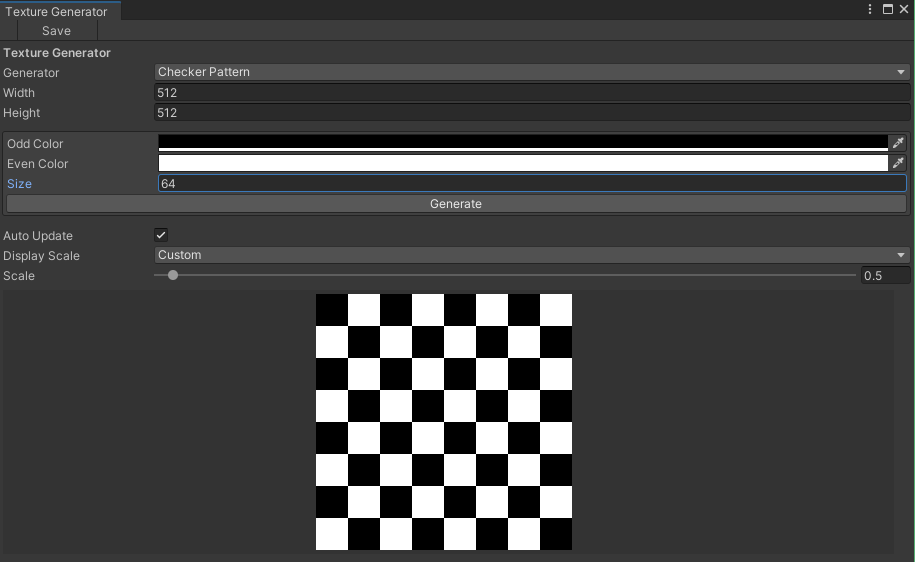
It has been great to see the outputs of my tools around. Seeing projects online that are using the Prototype Texture Generator has always been great to see, because it’s just the background of someone’s work, knowing they are focused on the meat of their own projects.
If you’re using one of my tools, give the tool a shout-out. The idea that people are using what I’m working on, and that it’s allowing people to create more freely, always feels good, and it would be great to see that happen more.
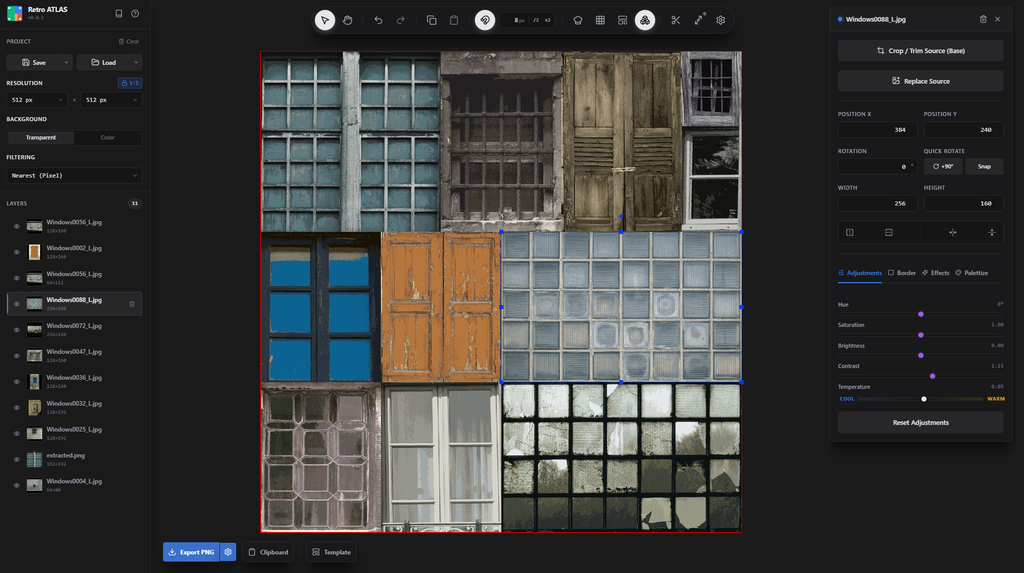
I’m also working on a few other tools just because I want to get those ideas out of my head and see what I can do. My next tool is called Retro ATLAS, which is a texture atlas creation tool that simplifies the process of creating trim sheets, layouts and adjustments in a non-destructive way. It’s coming along pretty well, so keep an eye out if you’re interested.
If you got to the end of this, congrats!
Now go make shit.